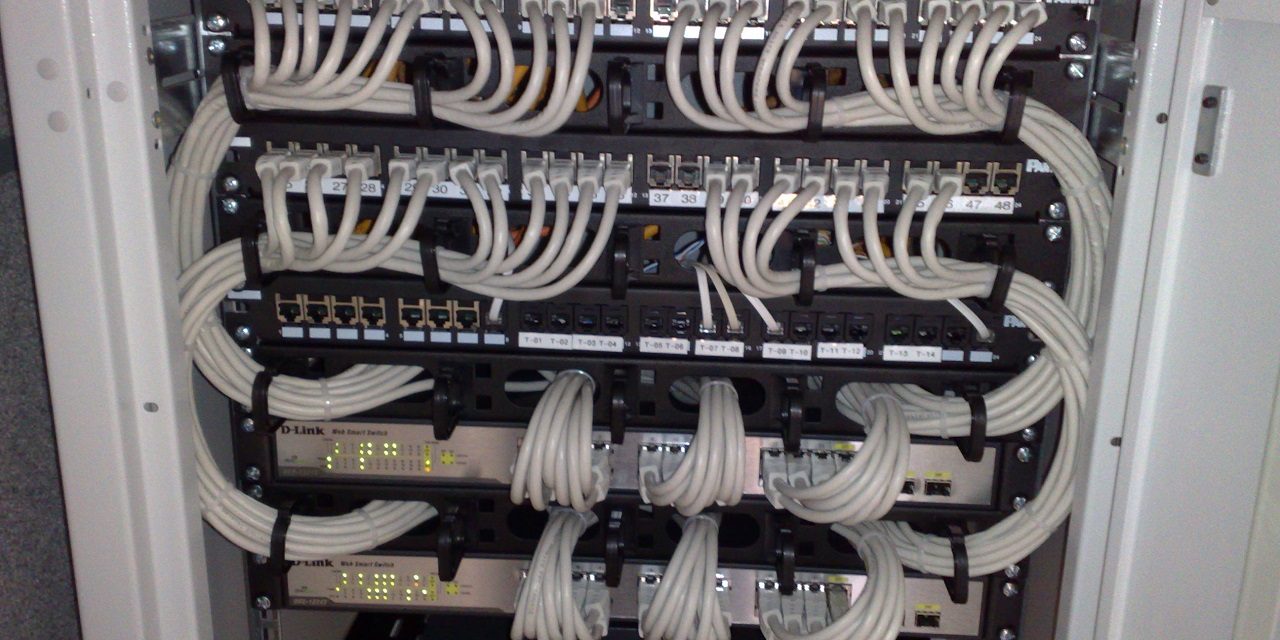
Photo: Dsimic / Wikimedia Commons, CC BY-SA 4.0
The phrase “security audit” makes a lot of small-business owners nervous. It can sound like an inspection designed to catch you out, or an expensive exercise that ends with a thick report nobody understands. A good audit is neither. It’s a structured look at how your business protects its data, systems and people, followed by a clear, prioritized list of what to fix.
Audits often arrive because someone else asked for one: a large customer’s security questionnaire, a cyber insurance application, a compliance requirement or an investor’s due diligence. Others happen because an owner simply wants to know where they stand before something goes wrong. Either way, knowing what to expect takes most of the stress out of the process and helps you get far more value from it.
This article explains the different types of security reviews, walks through the stages of a typical small-business audit, and gives you a practical plan to prepare.
Key takeaways
- An audit measures your security against a defined standard or framework and turns gaps into a prioritized action plan.
- Most small-business audits follow five stages: scoping, document review, interviews, technical checks and reporting.
- Preparation is mostly about gathering information: an inventory of systems, accounts, vendors and existing policies.
- Be honest during interviews. Hidden gaps can’t be fixed, and auditors expect to find some.
- The report is the starting line, not the finish. Plan remediation and a follow-up check.
Audit, assessment or pen test? Clearing up the terms
People use these words loosely, and providers don’t always use them the same way. Before you book anything, make sure you and the provider agree on what you’re buying.
| Type of review | What it answers | Typical output |
|---|---|---|
| Gap assessment | How do we compare with a framework such as NIST CSF or CIS Controls? | A list of missing or partial controls and a roadmap |
| Risk assessment | Which threats matter most to us, and how likely and damaging are they? | A risk register ranked by likelihood and impact |
| Compliance audit | Do we meet the specific requirements of HIPAA, PCI DSS, a contract or similar? | Findings mapped to each requirement, sometimes a formal attestation |
| Vulnerability scan | Which known weaknesses exist on our systems right now? | An automated list of missing patches and misconfigurations |
| Penetration test | Could a skilled attacker actually break in, and how far could they get? | A narrative of attack paths with evidence and fixes |
For most small businesses, an “IT security audit” combines a gap assessment with a light risk assessment and some technical checks. A penetration test is usually a later step, once the basics are in place; testing defenses you know are missing doesn’t tell you much.
Why small businesses get audited
Understanding the trigger helps you set the right scope. Common reasons include:
- Customer requirements. Larger clients increasingly send security questionnaires before signing or renewing contracts. An audit gives you honest, documented answers.
- Cyber insurance. Insurers ask detailed questions about MFA, backups, endpoint protection and training. Inaccurate answers can create problems if you ever need to make a claim.
- Regulation. HIPAA requires covered entities and business associates to perform a security risk analysis. Businesses that take card payments must validate PCI DSS compliance. Our guide to GDPR, HIPAA and PCI-DSS for small businesses explains who these apply to.
- Growth or change. A new office, a move to the cloud, an acquisition or a funding round are good moments to check your foundations.
- After an incident. A phishing compromise or ransomware scare often prompts a review of what else might be exposed.
The five stages of a typical audit
Details vary by provider and scope, but most small-business audits follow a similar arc. For a company of 10 to 50 people, the active work often fits within a few weeks.
1. Scoping and kickoff
The auditor meets with you to agree on goals, scope and timing. Which locations, systems, cloud services and teams are included? Which framework will be used as the yardstick? Who is the main point of contact? If any technical testing is included, this is when you sign written authorization that spells out exactly what will be tested, when and how.
2. Document review
You share existing documentation: policies, network diagrams, asset lists, vendor contracts, previous assessments and insurance questionnaires. Don’t worry if much of this doesn’t exist yet. Missing documentation is itself a useful finding, and the auditor needs to know where you’re starting from.
3. Interviews
The auditor talks to the owner, whoever manages IT (staff or an outside provider) and often a few employees from finance, operations or front-desk roles. Questions are practical: How do new hires get accounts? What happens when someone leaves? How would you verify a request to change a supplier’s bank details? Where are backups stored, and when were they last tested?
4. Technical checks
Depending on scope, this may include reviewing settings in Microsoft 365 or Google Workspace, checking firewall and Wi-Fi configuration, running vulnerability scans, sampling laptops for encryption and updates, reviewing who has admin rights, and checking email authentication records such as SPF, DKIM and DMARC. Good auditors explain what they’re doing and avoid disrupting your work.
5. Reporting and readout
You receive a written report and, ideally, a meeting to walk through it. A useful report includes an executive summary in plain language, findings ranked by risk, specific recommendations, and a suggested order of work. If the report is all jargon and no priorities, ask for a clearer version.
What auditors actually look at
Most audits are anchored to a recognized framework. Two common choices for small businesses are the NIST Cybersecurity Framework (CSF) 2.0, organized around six functions (Govern, Identify, Protect, Detect, Respond and Recover), and the CIS Critical Security Controls, whose Implementation Group 1 is designed as a baseline for smaller organizations. Whatever framework is used, expect questions in these areas:
- Governance: who is responsible for security, which policies exist, how risk decisions are made
- Asset inventory: what devices, software, cloud services and data you have, and where it lives
- Identity and access: MFA coverage, admin rights, shared accounts, onboarding and offboarding
- Protection: patching, endpoint protection, encryption, email filtering, network segmentation, Wi-Fi security
- Data: where sensitive data is stored, who can access it, how it’s shared and how long it’s kept
- Backups and recovery: what’s backed up, where copies live, whether restores are tested
- Detection and response: logging, alerting, and whether you have an incident response plan
- People: security awareness training, phishing exposure, payment verification procedures
- Vendors: which third parties hold your data or have access to your systems
How to prepare: a four-week plan
You don’t need to fix everything before an audit; that defeats the purpose. Preparation is about making information easy to find so the auditor spends time on analysis rather than detective work. If you want a quick sense of your starting point first, try our free security risk self-assessment.
Week 1: Organize
- Choose one internal point of contact who can make decisions and chase answers
- Agree on scope, framework and dates with the auditor
- Tell your IT provider or managed service provider about the audit and confirm they’ll take part
- Book interview slots with the people who will be involved
Week 2: Gather documents
- List of devices (laptops, desktops, phones, servers, printers, network gear) with owners
- List of software and cloud services, including who administers each one
- Current list of user accounts and who holds admin rights
- Existing policies, procedures and any employee handbook security sections
- A basic network diagram, even a hand-drawn one
- Vendor list with what data or access each one has
- Recent cyber insurance applications and customer security questionnaires
- Any previous assessment, scan or penetration test reports
Week 3: Arrange access
- Set up read-only or time-limited access to admin consoles if the scope includes configuration review
- Confirm testing windows and anyone who must be notified, such as your hosting provider
- Note any systems that are fragile or business-critical so testing avoids disruption
Week 4: Brief the team
- Let staff know an audit is happening, who the auditor is and how to verify them
- Remind interviewees that honest answers are the goal; there are no wrong answers
- Write down your own top concerns so the auditor can look at them specifically
Watch out
Never allow anyone to scan or test your systems without a written agreement that defines scope, timing and permitted methods, signed by someone with authority to approve it. If your website, email or servers are hosted by a third party, check their rules too; some providers require advance notice before security testing. And be wary of unsolicited “free security audits” offered by phone or email. Verify the provider independently before granting any access.
Getting the most out of the audit itself
A few habits make a big difference to the quality of the result:
- Describe reality, not the policy. If the handbook says passwords are changed regularly but nobody does it, say so. Auditors are there to find gaps, and a gap you hide stays open.
- Show, don’t just tell. Screenshots of MFA settings, a backup console or a training completion report carry more weight than “yes, we do that.”
- Ask questions. If the auditor uses a term you don’t know, ask. You should leave understanding your own risks better.
- Keep a running list of quick fixes. If you spot something easy to fix, such as a former employee’s active account, fix it, but tell the auditor so the report reflects what happened.
- Mention what keeps you up at night. Your knowledge of the business is valuable context. If you’re worried about a particular system or process, say so early.
Reading the report and acting on it
The report is where the value is, but only if it leads to action. Expect findings to be labeled by severity, often critical, high, medium and low. Don’t try to fix everything at once. A practical approach:
- Fix critical items immediately. Things like admin accounts without MFA, exposed remote desktop services or backups that can’t be restored.
- Group quick wins. Many medium findings are configuration changes that take minutes, such as turning on automatic updates or tightening file sharing settings.
- Plan the projects. Larger items, such as replacing an unsupported server or writing an incident response plan, need an owner, a budget and a target date.
- Accept risks deliberately. If you decide not to fix something, write down why and who approved it. That’s a legitimate business decision, as long as it’s a conscious one.
- Schedule a follow-up. A short re-check a few months later confirms fixes are in place and keeps momentum going.
Many findings in small-business audits relate to missing or outdated policies. If that’s true for you, our guide to writing security policies employees actually read is a good next step.
How often should you audit?
For most small businesses, a full audit once a year is a sensible rhythm, with lighter check-ins in between. Plan an extra review after major changes: a move to new cloud services, an office relocation, a merger, a new regulated line of business or a security incident. Annual audits also make it easy to show customers, insurers and regulators a documented history of improvement, which often matters as much as any single result.
How SecuritySage can help
Our IT Security Audits and Assessments are designed for small businesses and startups without a dedicated security team. We agree on a clear scope, keep disruption to a minimum, and deliver a plain-English report with prioritized, realistic recommendations sized to your budget. When the audit is done, we can help you work through the fixes, too.
Ready to find out where you stand? Get started with SecuritySage and we’ll recommend the right kind of review for your goals.
Frequently asked questions
How long does an IT security audit take for a small business?
For a company of roughly 10 to 50 people, the active work usually fits within a few weeks, including scoping, interviews, technical checks and reporting. The exact timeline depends on scope, the number of locations and systems, and how quickly documents and access can be provided.
What is the difference between a security audit and a penetration test?
An audit measures your security practices against a framework or requirement and identifies gaps across people, processes and technology. A penetration test is a focused technical exercise in which a tester tries to break in to show how far an attacker could get. Most small businesses benefit from an audit first and a penetration test once the basics are in place.
Should I fix problems before the auditor arrives?
There's no need to fix everything beforehand, because the point of the audit is to find gaps. Focus on gathering information such as asset lists, accounts, vendors and policies. If you fix something obvious along the way, tell the auditor so the report is accurate.
How often should a small business have a security audit?
Once a year is a sensible rhythm for most small businesses, with lighter check-ins in between. Plan an additional review after major changes such as a cloud migration, an office move, a new regulated service or a security incident.