Small Business Cybersecurity for Beginners
A plain-English starting point for owners and managers who know security matters but are not sure where to begin. In about four hours you will put…
$100.00
Purchase Now
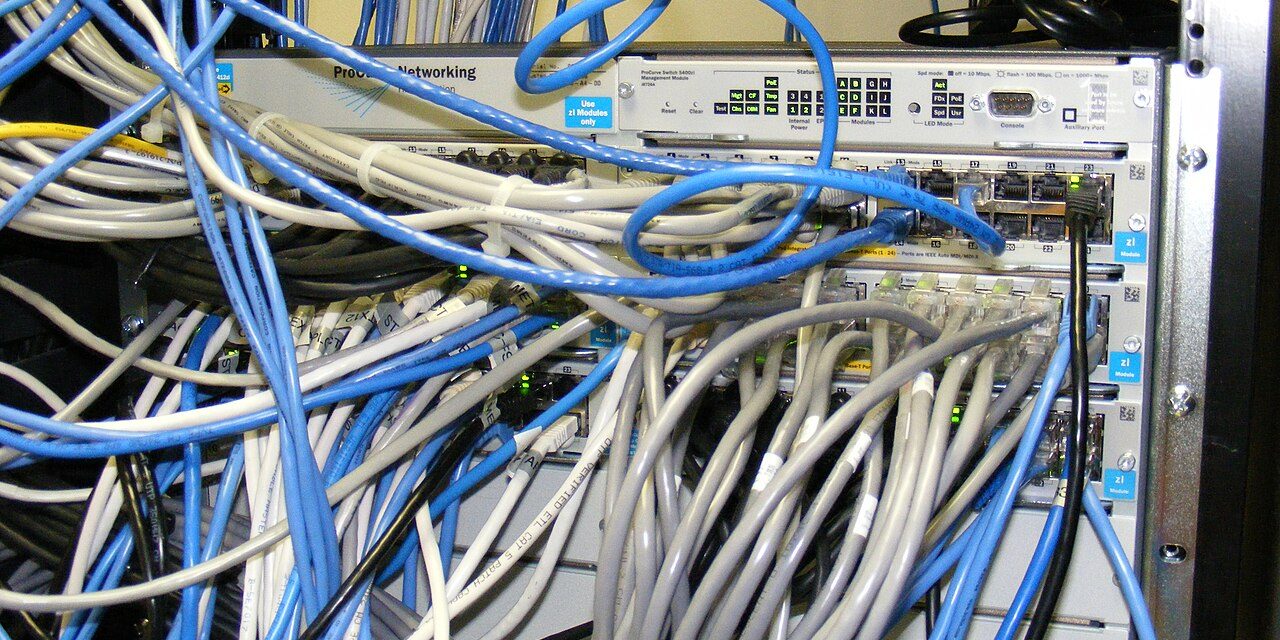
Learn to secure your office Wi-Fi, router and network so guests, smart devices and remote staff cannot become a way in. Step-by-step guides help you apply each change to the equipment you already own.
This program is for the person who looks after the office network, whether that is an owner, an office manager or an in-house generalist. You should be comfortable logging in to a router or Wi-Fi admin page, but you do not need networking certifications. We explain every setting before we ask you to change it.
Most small business networks are set up once and never revisited. This program walks you through a practical review of everything between your internet connection and your staff’s laptops, in the order that reduces the most risk first.
Each module combines a short explanation video with a screen-by-screen configuration guide. Because every business uses different equipment, the guides focus on the settings to look for and what to set them to, with notes for the common router and access point types found in small offices. Where a change could interrupt your connection, we tell you in advance and suggest doing it after hours.
The final module is a guided walkthrough of a complete network review. You will fill in the network inventory template as you go, ending with a clear picture of what is connected and a short list of improvements. For extra background, our article on securing office Wi-Fi and networks pairs well with this program.
If you would prefer an expert to review your network for you, our IT security audits and infrastructure consulting services can help. Questions before you buy? Book a free consultation through Get Started.
Map the path from your internet connection to every device, and learn the role of the modem, router, firewall, switch and access points.
Change default credentials, restrict admin access, disable risky features like UPnP and remote management, and review firewall rules.
Choose WPA3 or WPA2 settings, set strong passphrases, turn off WPS and set up a properly isolated guest network.
Use separate networks or VLANs so cameras, printers and card terminals cannot reach your business laptops.
Compare VPNs and modern remote access options, and avoid exposing remote desktop and file shares to the internet.
Keep network equipment updated, turn on the logs that matter and set up simple alerts you will actually read.
Walk through a complete review of your own network using the inventory template and hardening checklist.
A plain-English starting point for owners and managers who know security matters but are not sure where to begin. In about four hours you will put…
Practical security awareness training that everyone on your team can understand, from the front desk to the founder. Short, friendly lessons build the everyday habits that…
A focused bootcamp that helps small businesses prevent ransomware, limit the damage if it strikes and recover with confidence. You will finish with tested backups, a…
A practical guide to locking down Microsoft 365 or Google Workspace, the systems most small businesses now run on. Follow side-by-side checklists to secure accounts, email,…
A ready-to-edit set of security policy templates written in plain English for small businesses. Short video walkthroughs show you how to tailor each policy, roll it…